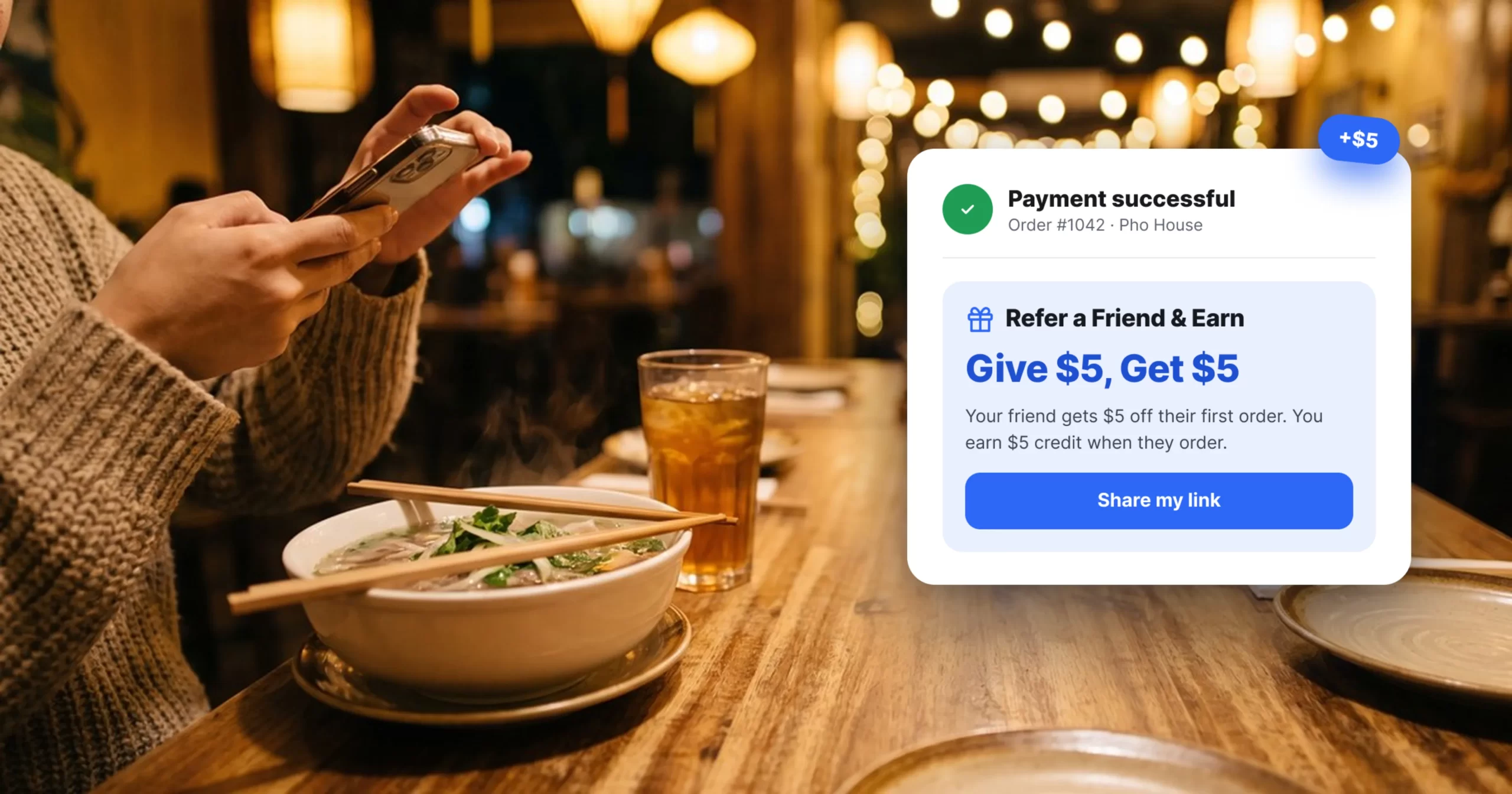
Picture a Friday at 5:40 p.m. The kitchen just ran out of salmon. With separate systems, someone has to mark it unavailable in the POS, on the website, at the kiosk, in each delivery app, and on the menu board. Miss one, and a guest pays for a dish you can’t make.
That’s the whole debate. The question isn’t how many features you get. It’s how many places you do the same job.
The short answer
- Standalone POS: Simple operation when payments and in-store ordering are your main needs.
- All-in-one platform: More useful when you manage several sales channels, customer touchpoints, or locations.
- Either way: Compare the complete setup, not just the POS line item.
The cost that isn’t on the POS quote
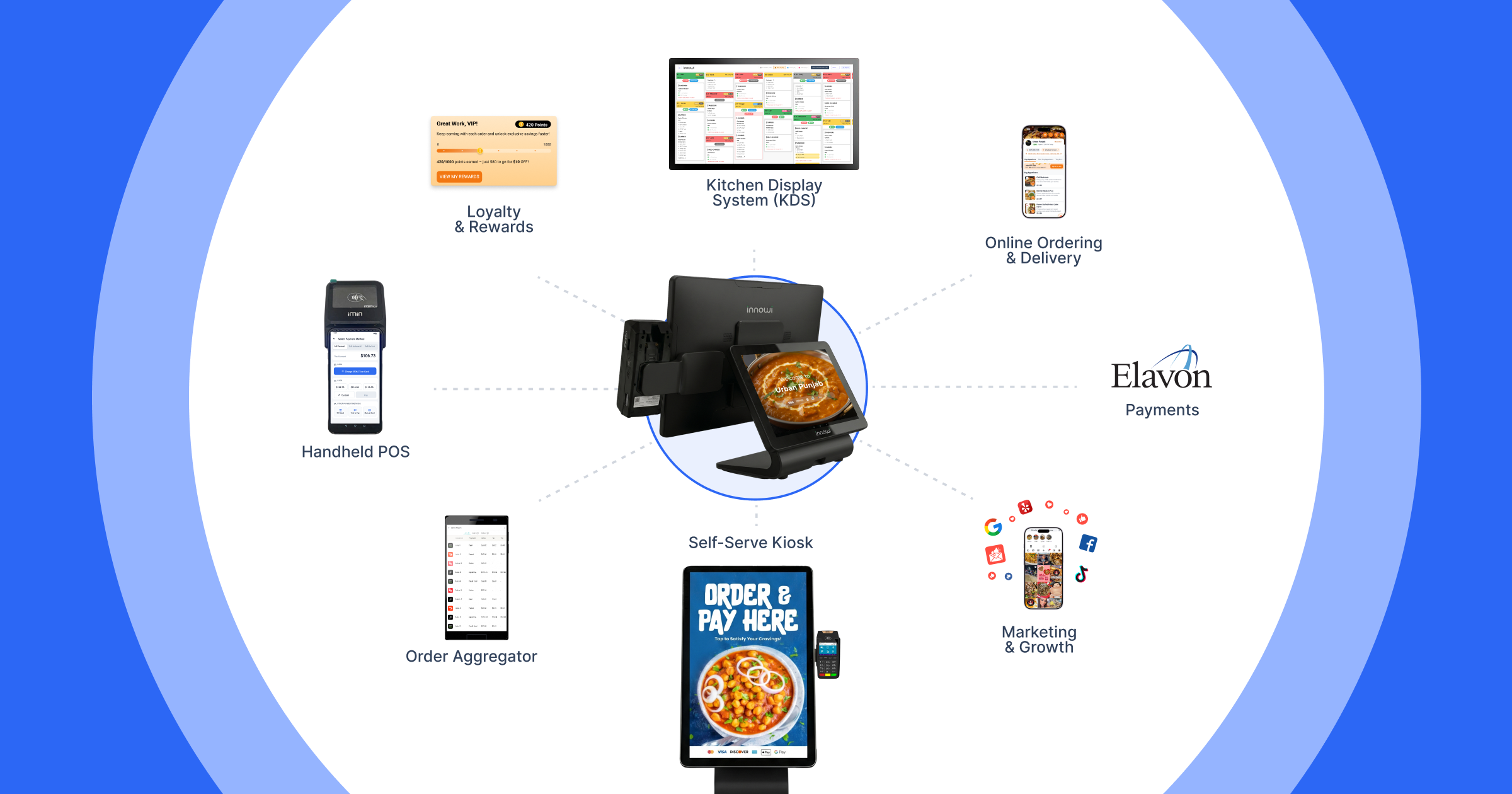
A POS quote is only one part of the technology bill. Depending on your setup, you may also pay separately for kiosks, online ordering, kitchen displays, loyalty, marketing, integrations, hardware, or additional locations.
Current U.S. pricing pages illustrate why the base subscription should not be treated as the complete comparison. Toast’s current U.S. pricing lists a POS plan starting at $69/month and notes that additional charges apply for subsequent devices; Toast also offers a broader build-your-own platform with additional products. Square offers a Free plan, a Plus plan, and custom Premium pricing, with plan and device costs varying by configuration. Pricing and terms can change, so vendors’ current pricing pages should be checked before making a purchasing decision. [1][2]
A multi-vendor stack can also add four less obvious costs:
- Subscriptions: for each tool, often per location or per device
- Integration fees: or middleware, plus breakage when a vendor updates
- Staff time: on duplicate menu updates, extra logins, and reconciling reports
- Blind spots: because separate systems can keep separate customer records
The cheaper POS isn’t always the cheaper stack, and sometimes it is. What matters is the total once everything you’ll actually use is added up.
One ordinary week, two setups
| What happens | Separate tools | Connected platform |
| An item sells out | Update each system by hand: POS, website, kiosk, delivery apps, menu board | Update once, if the platform shares one menu |
| A guest orders online, then at the kiosk | Two records, unless an integration matches them | One profile, if channels share customer data |
| Monday sales review | Export from each tool and reconcile the numbers | One report from shared data |
| A new hire starts | Several logins and training sessions | One system to learn |
| You open a second location | Repeat the setup in each tool, often with per-location pricing | Add the location inside the platform |
The right-hand column only holds if the platform genuinely shares data across modules. That’s why the questions below matter more than any feature checklist.
The honest downsides of all-in-one
An all-in-one platform isn’t automatically the right answer. There are tradeoffs worth checking before you switch.
- Lock-in: Ask about contract length and whether you can export menu, customer, and sales data if you leave.
- Depth: A specialist tool may go deeper in one area. If a single function is critical, test that module directly.
- Switching: Migration means retraining and moving data. Ask about rollout time and whether you can start with one location or channel.
Which one fits?
A standalone POS can make sense for a restaurant that’s primarily focused on dine-in or counter service, with payments as the main technology need and no near-term plans for kiosks, direct online ordering, or additional locations.
An all-in-one platform becomes more compelling when you sell through multiple channels, menu consistency is a recurring headache, staff spend significant time on duplicate administration, customer data is spread across systems, or you’re planning to add locations.
The important question isn’t which model is universally better. It’s which setup creates less complexity for the way your restaurant actually operates.
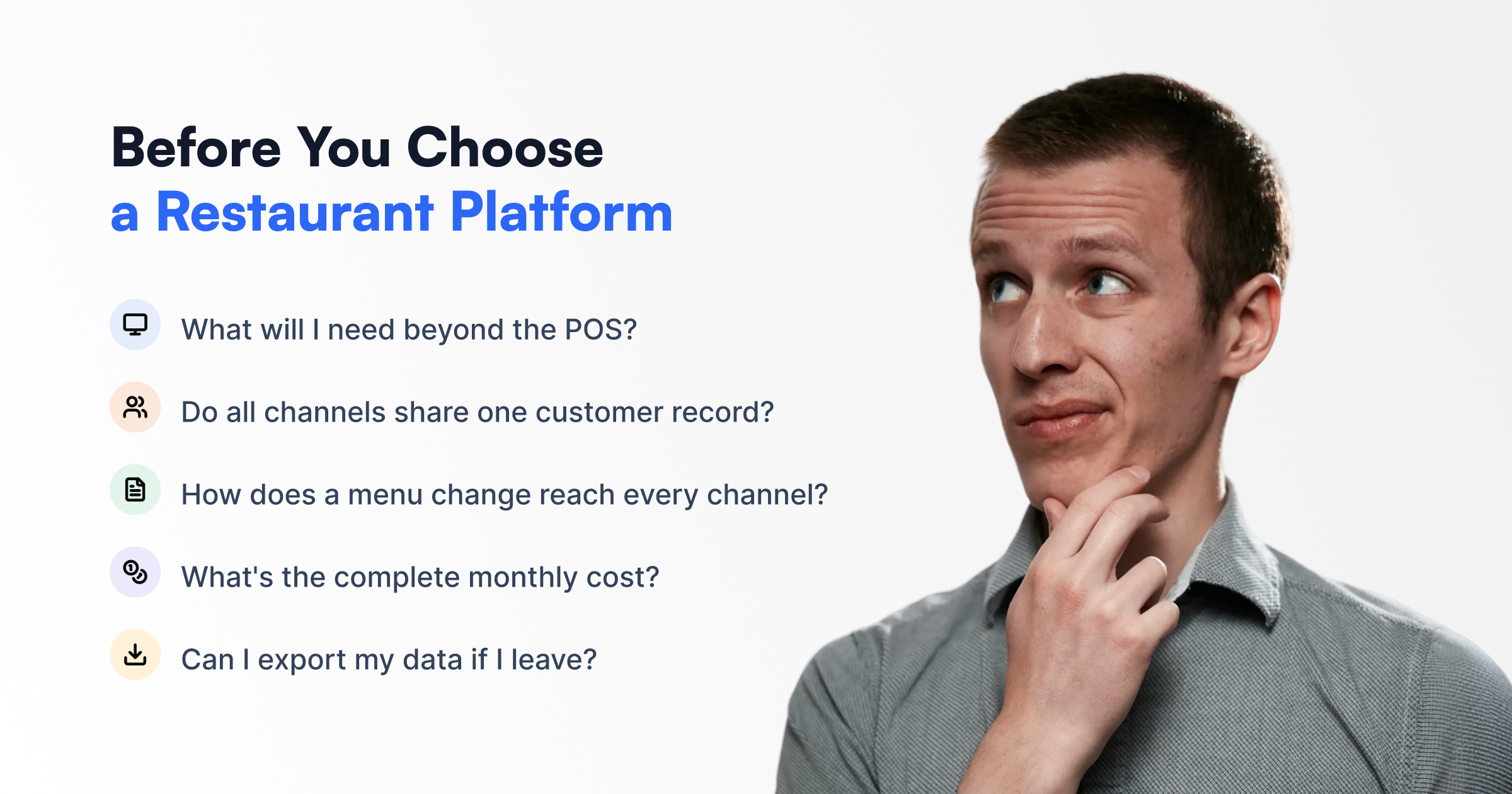
Five questions to ask any vendor
- What will I need beyond the POS in the next 12 months?
- Do all channels share one customer record?
- How does a menu change reach every channel?
- What’s the itemized monthly total, including integration fees?
- What are the contract terms, and can I export my data if I leave?
One way to approach it
This is where an all-in-one approach can make a practical difference.
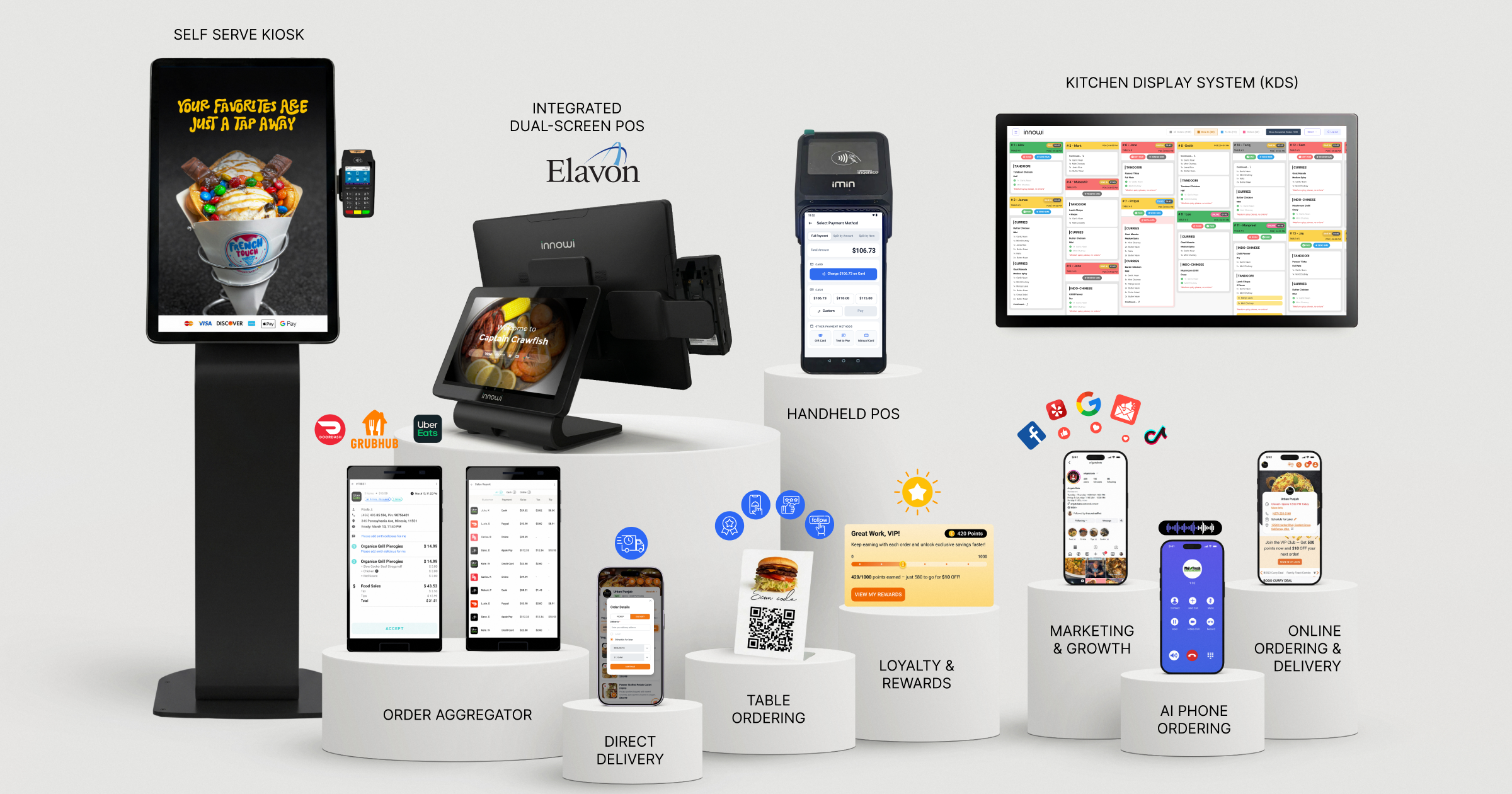
Innowi brings POS, online ordering, kiosks, QR ordering, delivery management, kitchen operations, customer data, and marketing into one restaurant technology ecosystem. Its current product pages describe the POS as the hub for kiosk, online, and walk-in orders, with orders flowing to the kitchen, while its online-ordering product describes POS and KDS synchronization. [3][4]
The goal isn’t simply to put more features in one product—it’s to reduce the number of separate systems a restaurant team has to manage.
For restaurants considering an all-in-one setup, bring your menu and current sales channels to a demo and ask the five questions above. The right platform should be able to explain not only what it includes, but how those pieces work together.
FAQ
Is all-in-one cheaper than a standalone POS?
If you only need POS and payments, a standalone system may cost less. If you also need online ordering, kiosks, loyalty, marketing, or other tools, compare the total cost of the full stack, including integration fees and staff time.
Can I switch from my current POS?
Yes. Ask about data migration, training, timeline, and whether you can move one location or channel at a time.
What are the risks of an all-in-one restaurant platform?
The main tradeoffs are vendor lock-in, potentially less depth in specialized functions, and the work involved in switching platforms. Ask about contracts, data export, integrations, migration support, and whether you can pilot the system before rolling it out across every location.